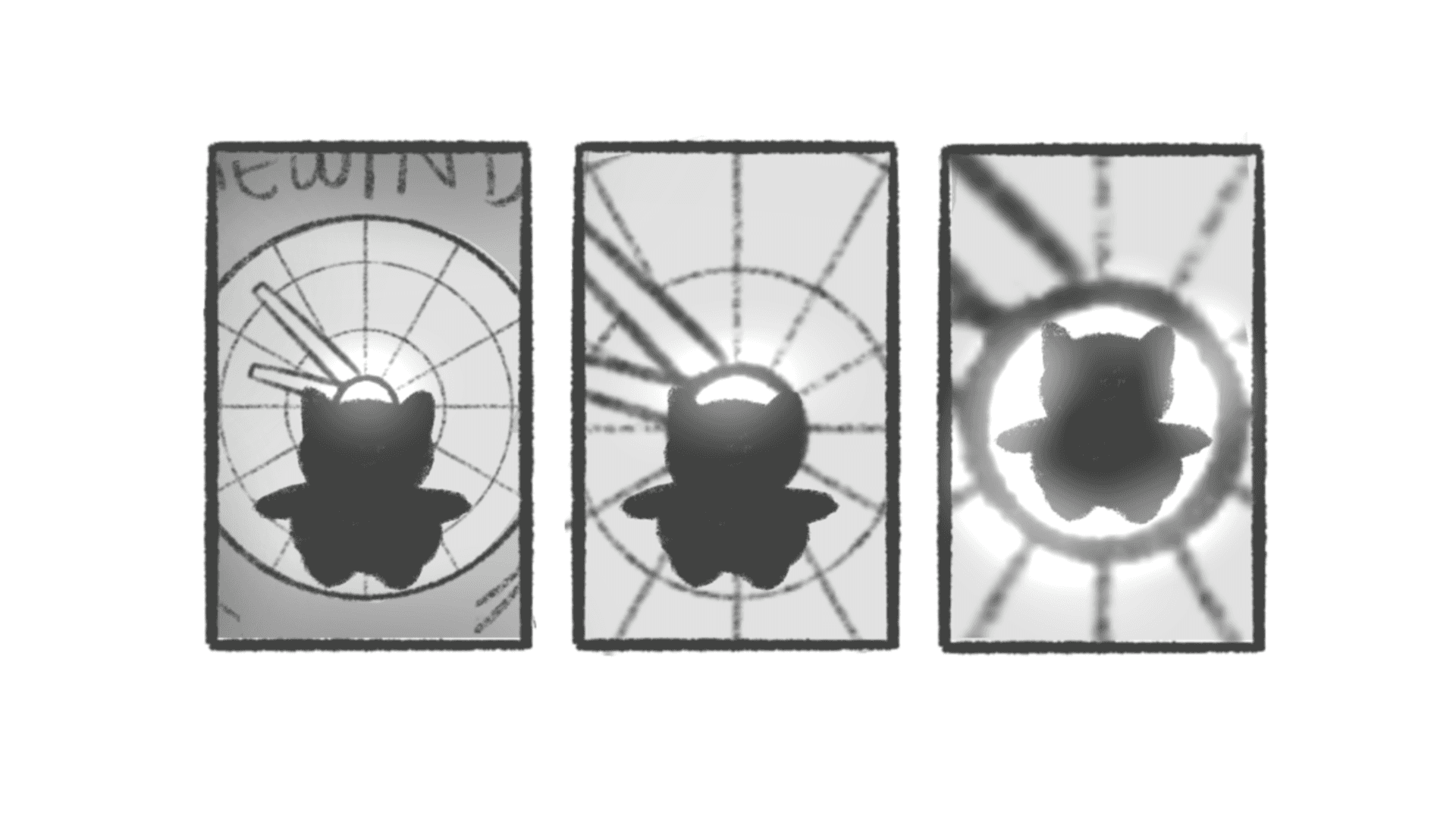
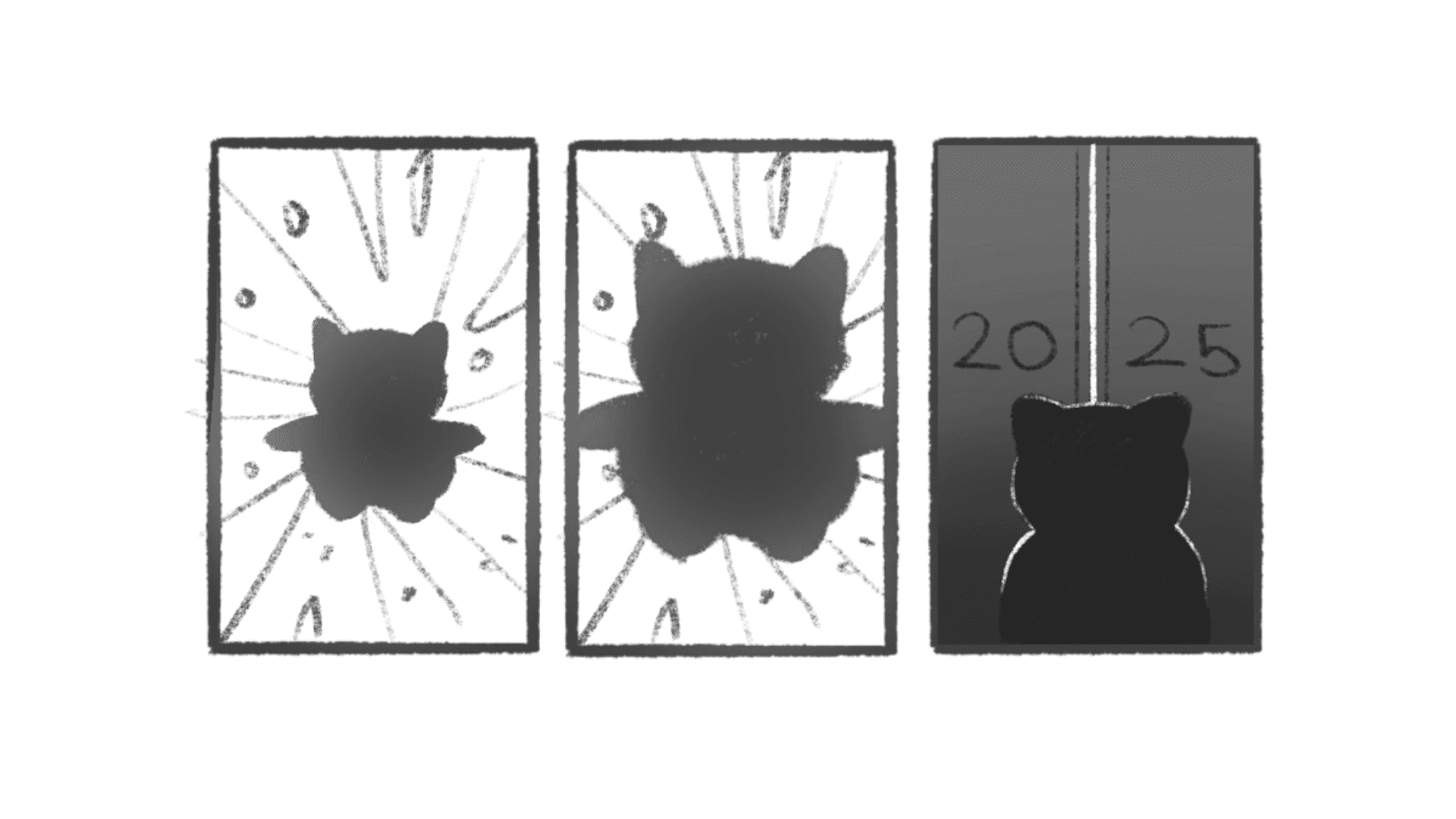
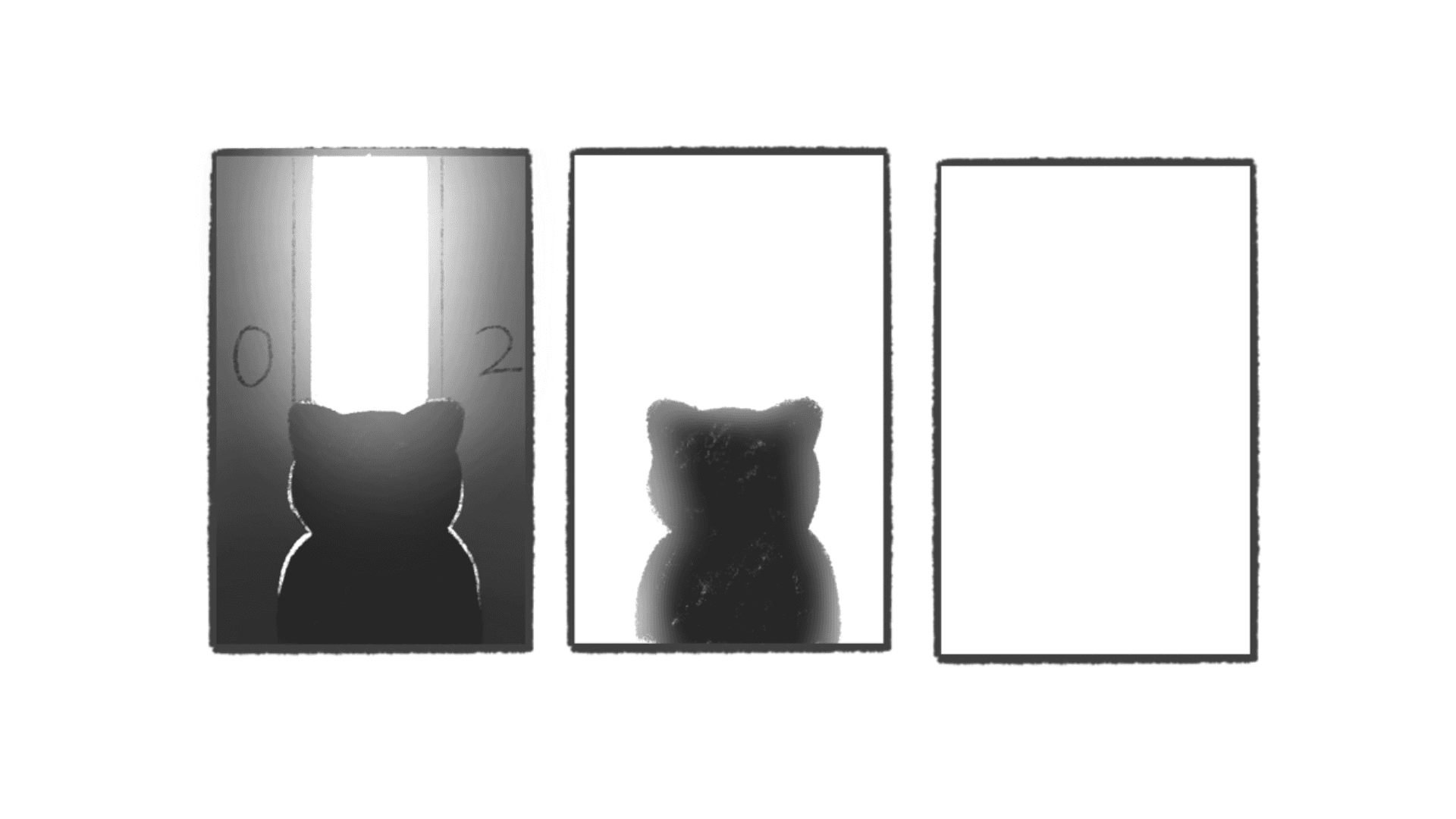
Rewind Feature on Rive

Industry

Education Tech

Client

Airlearn

Project Time

10 weeks

About the Client

Airlearn is an AI-driven mobile application designed for language learning, used by over 2 million learners globally providing bite-sized, interactive lessons in over 25 languages.

My Role

Interaction Design, Visual Design, User Flows

Key Metrics

Key Metrics

5%

5%

Increase in daily active users, indicating higher user involvement and interest in the platform.

Increase in daily active users, indicating higher user involvement and interest in the platform.

30%

30%

Increase in the adoption rate of this feature, demonstrating their effectiveness.

Increase in the adoption rate of this feature, demonstrating their effectiveness.

29%

29%

Drop in queries, indicating clearer, more intuitive design and better user understanding.

Drop in queries, indicating clearer, more intuitive design and better user understanding.

20%

20%

Increase in user satisfaction scores, measured through surveys and feedback tools.

Increase in user satisfaction scores, measured through surveys and feedback tools.

What was the Problem?

What was the Problem?

What was the Problem?

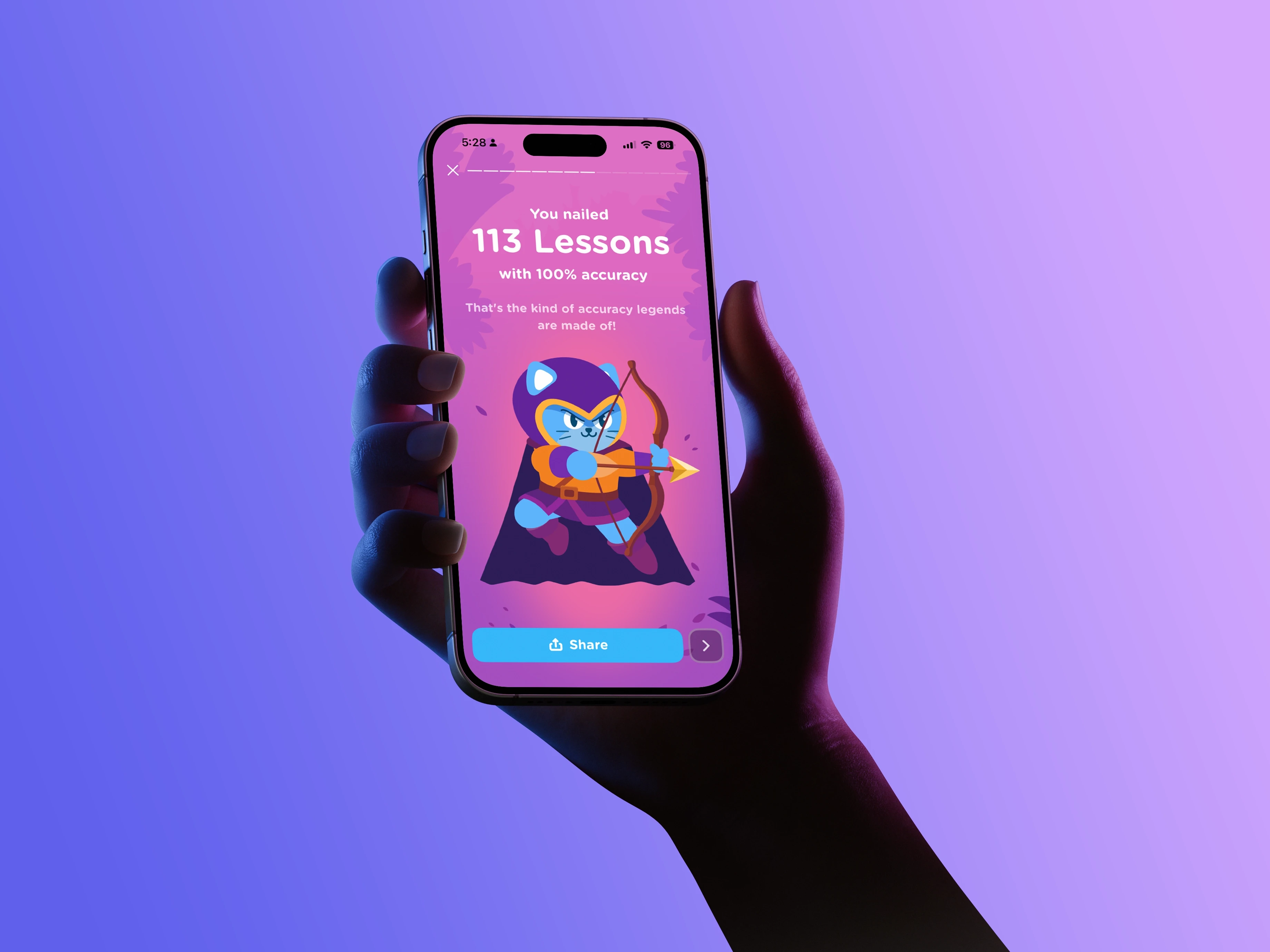
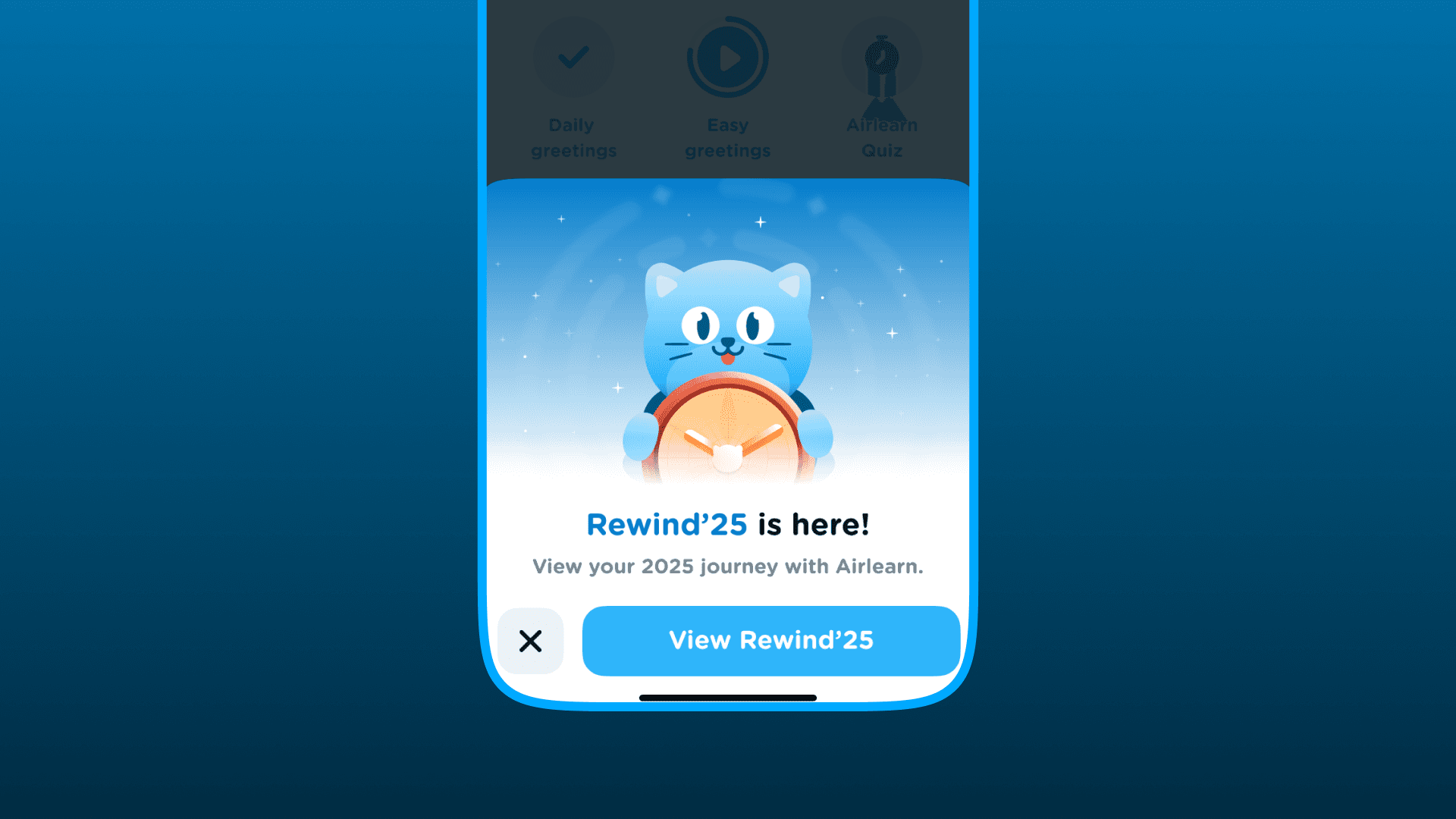
How might we transform abstract, long-term learning data into a compelling, personalized narrative that validates user effort, fosters social proof, and reignites commitment for the upcoming year? Airlearn has two main features that did exactly that: Month End Recap and Year End Recap. However, what both of those features lacked were in it's visual experiences since they were just cards showing specific user data points that users can just tap through. Could we top that with a more unique experience?

How might we transform abstract, long-term learning data into a compelling, personalized narrative that validates user effort, fosters social proof, and reignites commitment for the upcoming year? Airlearn has two main features that did exactly that: Month End Recap and Year End Recap. However, what both of those features lacked were in it's visual experiences since they were just cards showing specific user data points that users can just tap through. Could we top that with a more unique experience?

Main Project Image

UX & Business Objectives

UX & Business Objectives

UX & Business Objectives

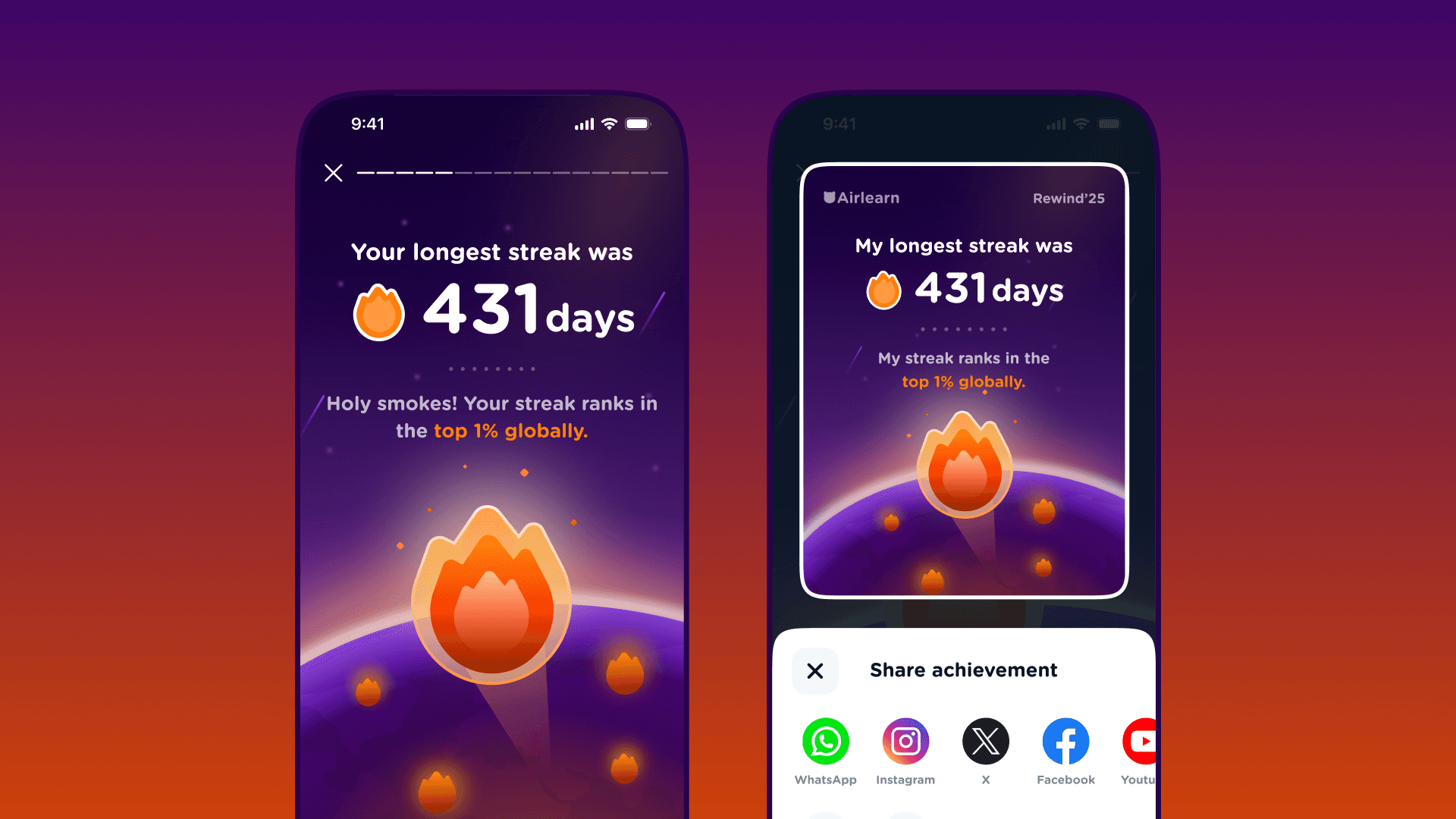
◆ Language learning is mentally taxing and prone to high churn. Airlearn uses this feature as a retention lever to remind users of their accumulated "sunk cost" (streaks, hours) so they don’t quit. ◆ Fluency is hard to measure daily. The UI translates "boring" backend stats into vibrant, "snackable" milestones (for example, "Top 1% of learners") to provide a tangible sense of achievement. ◆ To reduce customer acquisition costs, the UX is intentionally designed for social sharing. By turning users into brand ambassadors via shareable "learner style" cards, Airlearn drives organic new-user spikes every December. ◆ A major design challenge is creating a universally understandable experience that works across 25+ UI languages and diverse screen sizes without losing the playful brand tone.

Large Project Gallery Image #2
Large Project Gallery Image #1

Implementing a Design that worked on Rive

Implementing a Design that worked on Rive

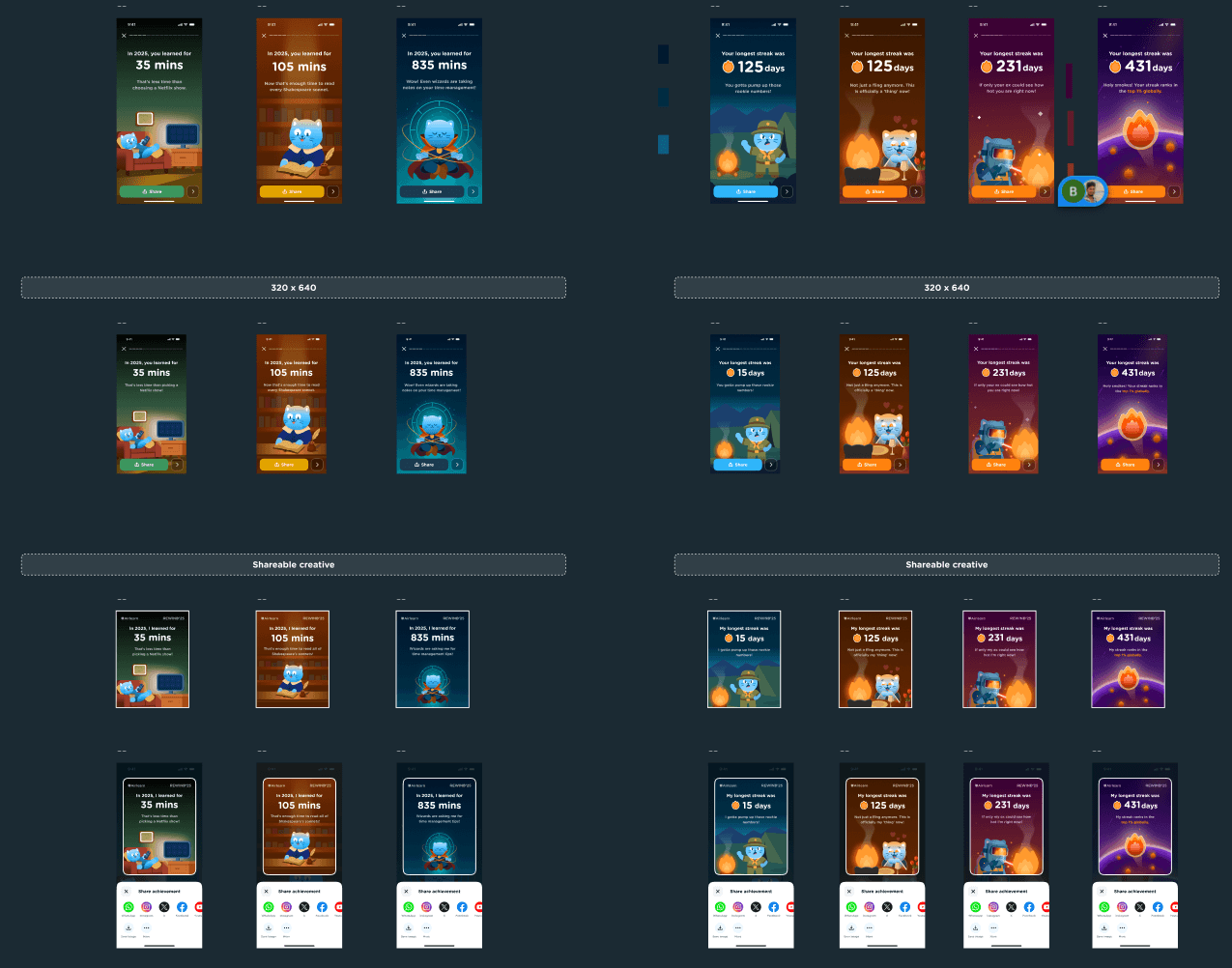
Rive is an up and coming software that reduced the friction between developers and designers by allowing designers to create interactive animated components without the involvement of a developer. Think of it as the designer creating the vessel and the developer focusing on the utility of the vessel. The vessel can hold anything, water, milk or in our context, data. We as designers can also set parameters to this vessel within Rive which, once shipped, can be accessed and manipulated by the developer. I created the design flow on Figma and shipped it to Rive where I weaved the entire animated experience. Once this was created, I closely worked with the developers to make sure the rive design file was able to handle the data. Cleaning bugs and testing it out multiple times made sure there was no room for error once this was finally taken live.

Project Gallery Image for 50% width of the screen #1
Project Gallery Image for 50% width of the screen #2

UI Design Highlights & Gamified Strategies

UI Design Highlights & Gamified Strategies

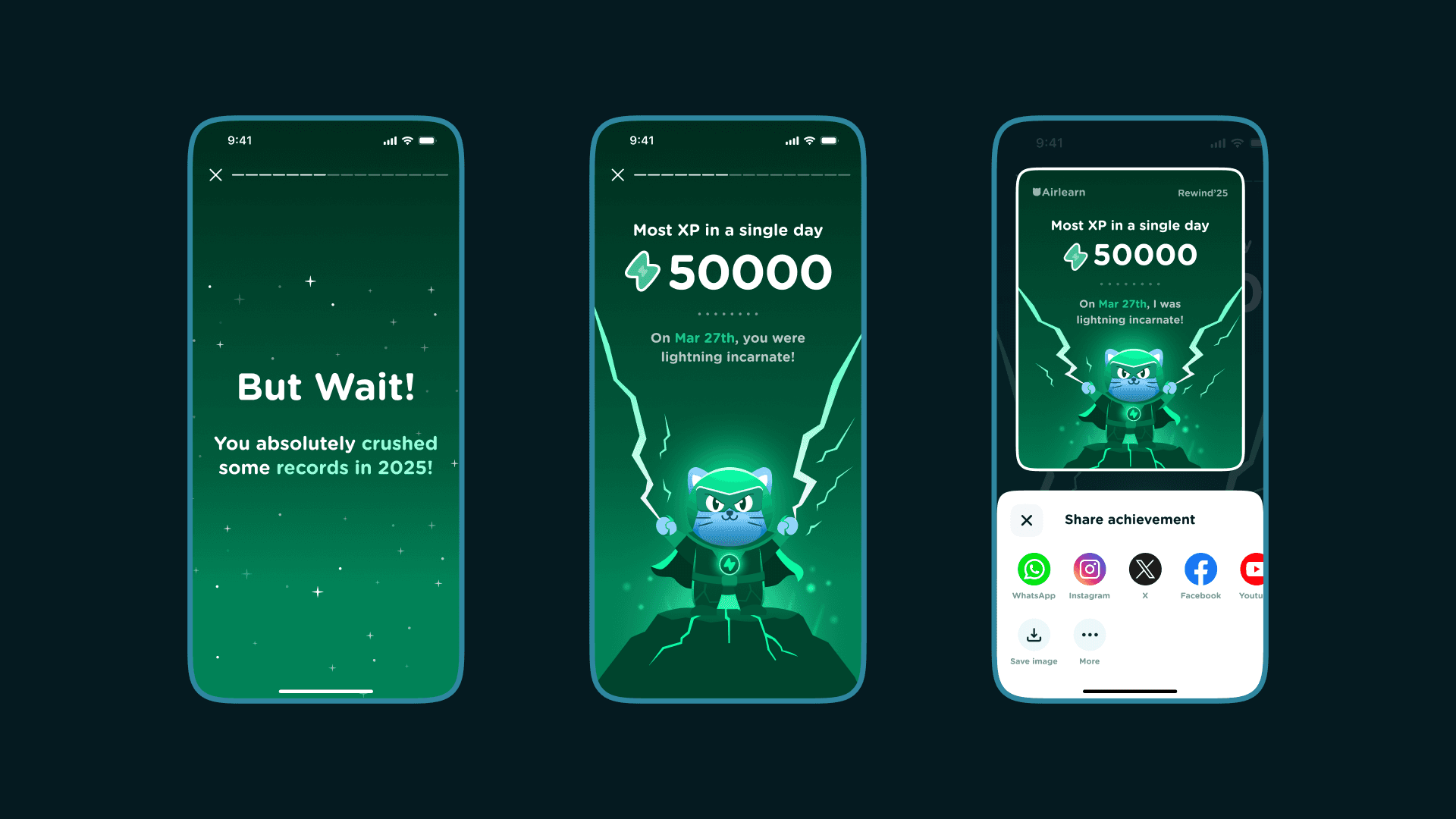
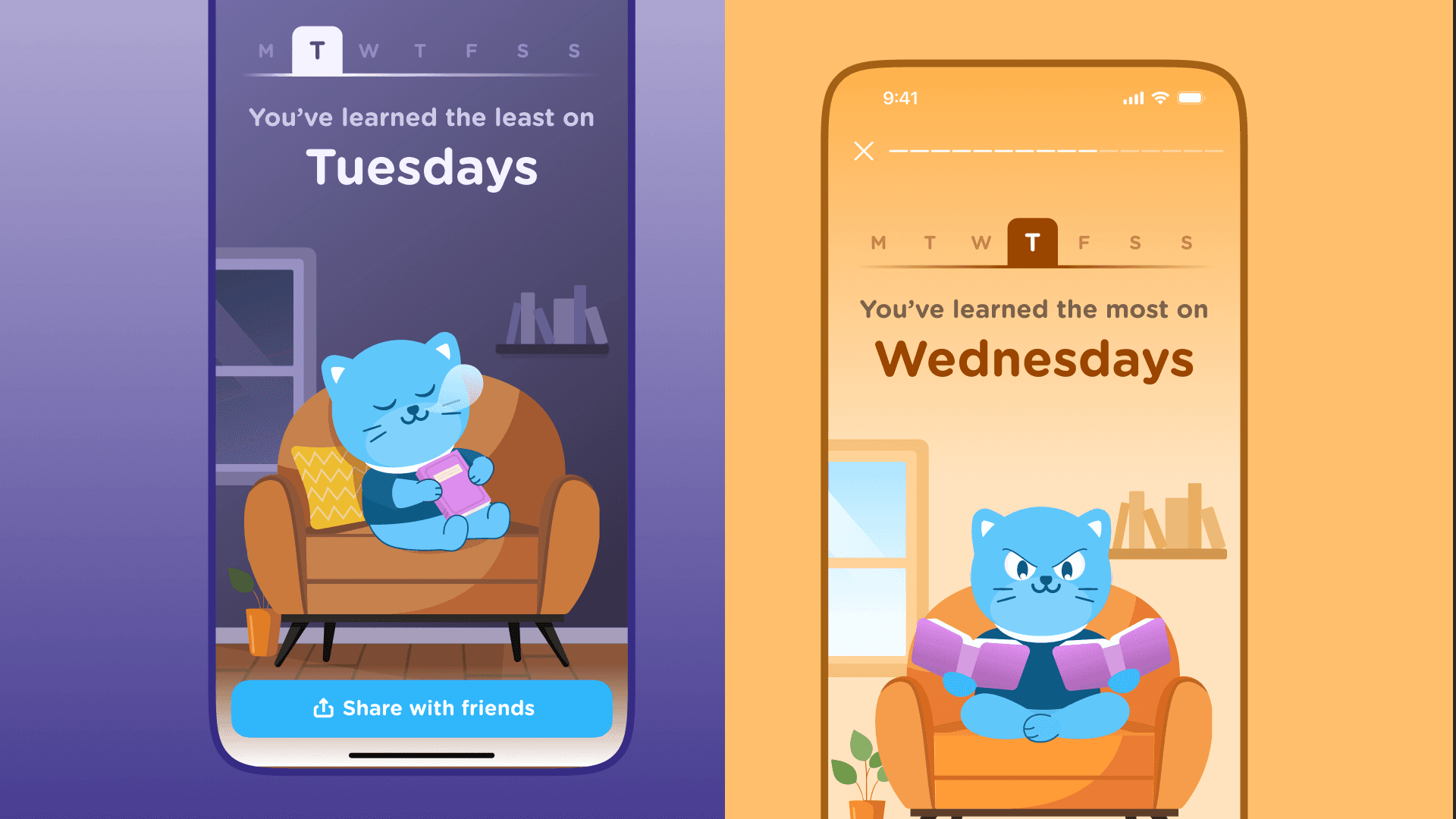
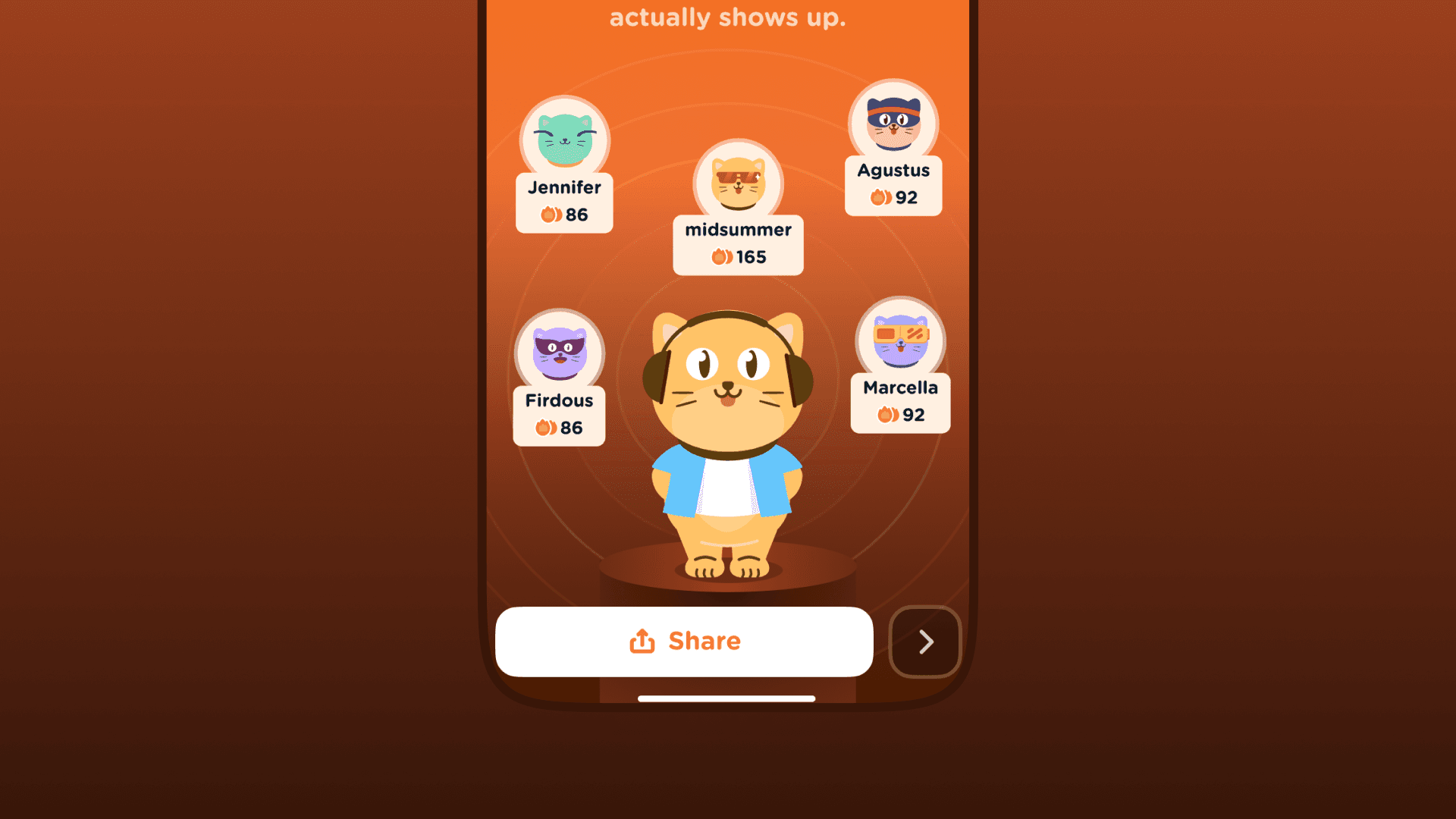
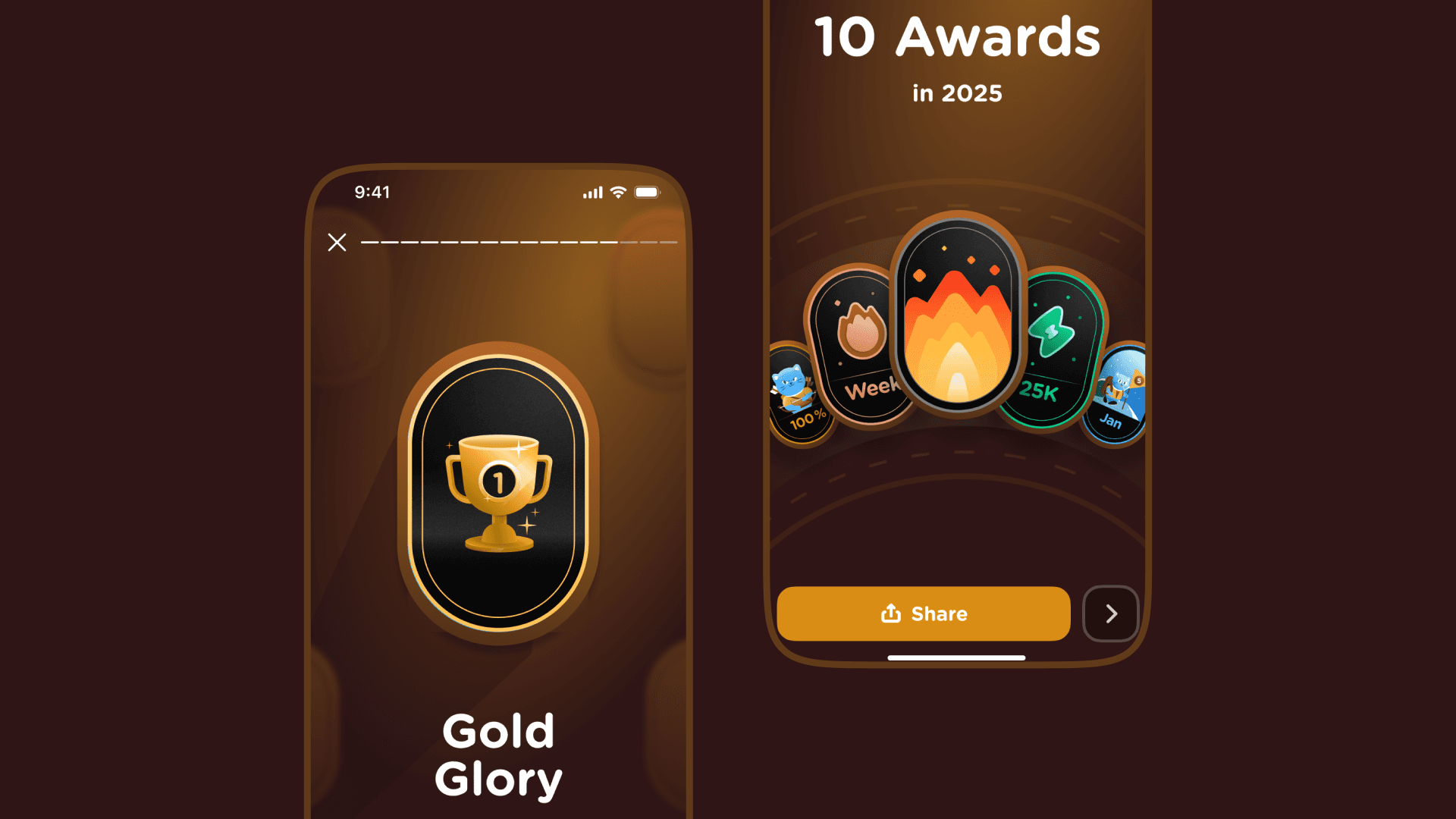
◆ The review uses Airlearn's signature vibrant color palette and playful illustrations to maintain a cohesive brand identity. ◆ Complex metrics like total XP, minutes spent, and words learned are simplified into colourful graphs and fun facts, making progress tangible and rewarding. ◆ Each screen is designed as a standalone card with a single action button for social sharing, encouraging organic promotion and virality. ◆ The flow is structured as a 11-page journey that encapsulates individual effort, using personal stats to tell a story of growth rather than just listing numbers. ◆ By categorizing users (e.g., "Curious Polyglot" or "World Champion"), the app applies psychological labeling to foster a sense of identity and community comparison.

Project Gallery Image for 50% width of the screen #2
Project Gallery Image for 50% width of the screen #1

Conclusion

Conclusion

Driving the product design and animation at Airlearn has been a rewarding challenge. From designing each frame, illustrating each character to adding gamified features, we’ve worked to make the learning experience more engaging. These efforts boosted user engagement and sign-ups, showcasing our impact. Despite challenges like meeting diverse user needs and staying ahead of trends, this role has been an inspiring journey of creativity and growth in Edtech.

Designing Widgets